
ERP, CRM, and Accounting Software: What Does Your Business Actually Need?
These systems solve different problems. The right choice depends on the workflows that need support, the information departments must share and whether the real challenge is departmental—or operational across the whole business.
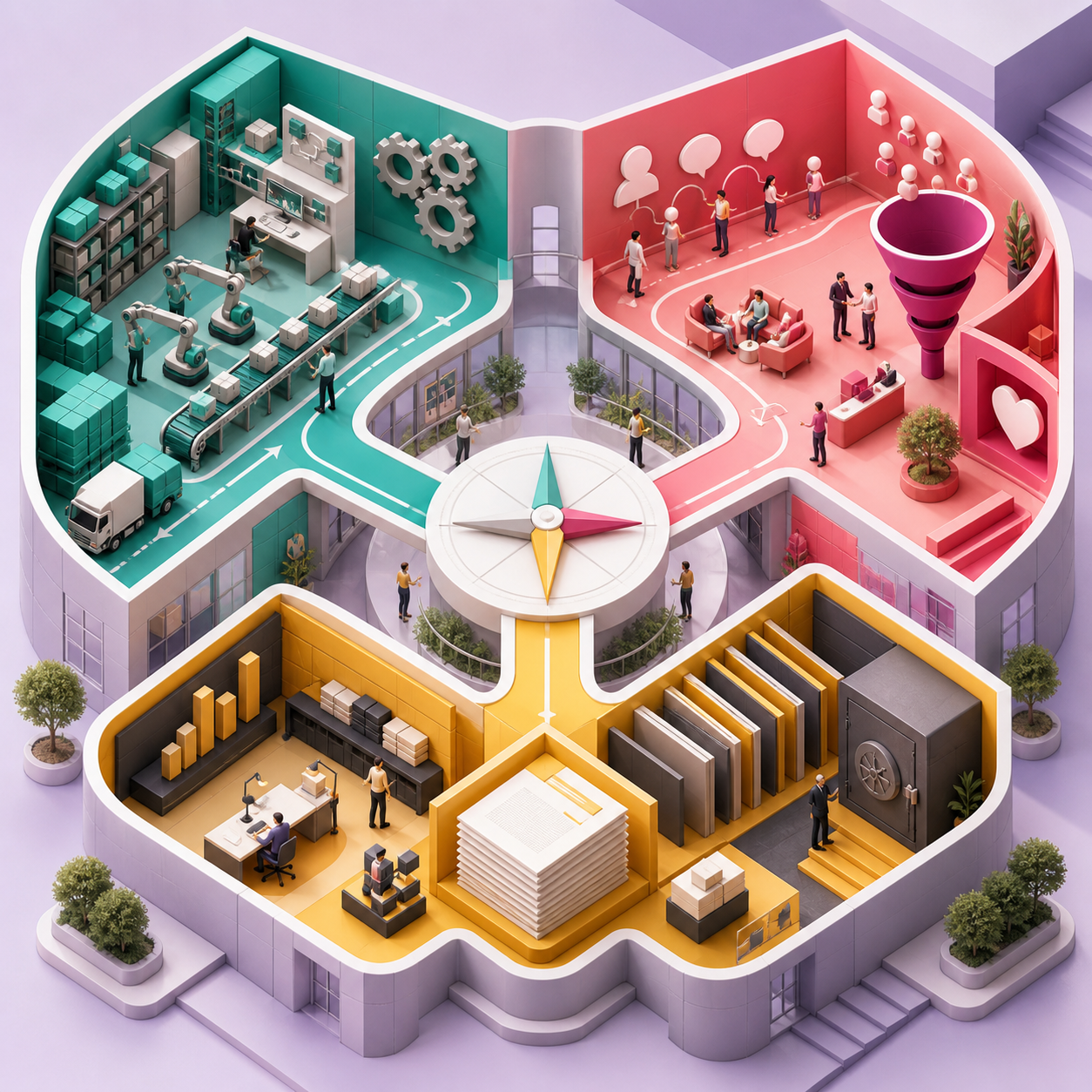
ERP, CRM and accounting software are often compared as though they were interchangeable. They are not. Each addresses a different layer of the business, and choosing by feature count alone can leave the most important operational problem unresolved.
A company may need reliable bookkeeping, better control of its sales pipeline, or a connected platform spanning customers, inventory, purchasing, delivery, projects and finance. Those are three distinct requirements.
The best decision begins with the complete flow of work—not the label attached to a software category.
ACCOUNTING SOFTWARE
Record and control the financial result
Accounting software manages the financial activities of a business. It may be entirely sufficient for a smaller organization with straightforward operations and limited need to coordinate activity across departments.
Its boundary is important: accounting usually records the financial outcome of business activity, but may not manage the sales, inventory, delivery or project processes that created it.
CUSTOMER RELATIONSHIP MANAGEMENT
Organize demand and improve sales execution
A CRM focuses on leads, opportunities, customer communication and sales activity. It gives commercial teams a shared pipeline and managers a current view of expected business.
- Centralize leads, opportunities, contacts and communication history.
- Assign responsibility and schedule consistent follow-up activities.
- Track expected revenue, probability and sales-stage movement.
- Understand why opportunities are won, lost or delayed.
- Improve forecasting without relying on personal spreadsheets.
- Connect quotations and orders when the sales process is ready to advance.
A standalone CRM may still stop when the opportunity becomes an order. Inventory, purchasing, delivery, invoicing and accounting can remain disconnected unless the platform extends beyond sales.
ENTERPRISE RESOURCE PLANNING
Connect the transaction across the business
ERP connects multiple business functions through common data and coordinated workflows. Its value comes from the relationship between applications—not simply the number of available modules.
When one transaction informs sales, operations and finance, teams avoid recreating data at every stage. Managers can see both operational status and financial effect through the same controlled foundation.
CHOOSING THE RIGHT FIT
Match the platform to the actual constraint
Not every business needs the same starting point. The right option depends on operational complexity, data dependencies and the urgency of the current problem.
Accounting may be enough
Suitable when operations are simple, transaction volume is manageable and management primarily needs dependable financial control and reporting.
CRM may be the priority
Suitable when leads are lost, follow-up is inconsistent and management lacks a reliable view of the sales pipeline.
ERP becomes valuable
Suitable when departments depend on one another but the same transaction is copied, delayed or reconciled across separate systems.
A phased platform can bridge the path
Begin with the urgent process while designing master data and architecture that can support later applications without another system replacement.
ERP READINESS SIGNALS
Recognize when the problem is integration
ERP becomes relevant when departmental tools individually work, but the organization spends increasing effort keeping their information aligned.
Other indicators include inaccurate stock promises, late documents reaching finance, inconsistent branch processes and difficulty measuring project, product or customer profitability.
THE ODOO PATH
Choose according to processes—not labels
Odoo offers CRM, accounting and broader ERP capabilities on one modular platform. A company can begin with the area delivering the clearest value, then connect inventory, purchasing, projects, services, manufacturing or eCommerce as requirements develop. The advantage is not that every application must be implemented; it is that each phase can form part of one long-term architecture. Follow a transaction from enquiry through fulfilment, invoicing, payment and reporting. The points where information is copied, delayed or unavailable will reveal whether you need a focused departmental tool or a connected operating platform.